How to Create Professional Cosmetics Photos Using AI (Without a Studio)
A step-by-step guide for beauty brands that want campaign-quality visuals on a fraction of the budget
From the Memm Editorial Team
Original guides on Arabic ad design, MENA campaign strategy, and bilingual creative direction.
A lipstick sitting on a white table, photographed under a kitchen light. You've seen it. You've maybe posted it. And you already know it's costing you sales.
The gap between how a product looks in a scrappy photo and how it looks in a professional campaign visual isn't just aesthetic — it's the difference between a customer who scrolls past and one who taps "add to cart." For years, closing that gap meant hiring a photographer, a set designer, a retoucher, and renting studio time. Today, AI image generation has collapsed that entire workflow into something a solo brand manager can run from a laptop.
This tutorial walks you through exactly how to produce professional-grade cosmetics photos using AI tools — covering everything from choosing your visual direction to writing prompts that actually work for beauty products.
Why Cosmetics Photography Is Uniquely Challenging
Beauty products are among the hardest categories to photograph well. A foundation bottle needs to feel luxurious without looking plastic. An eyeshadow palette needs to show accurate pigment without blowing out highlights. Lip products demand texture — the precise sheen of a gloss versus the velvet matte of a bullet — communicated in a single still image.
Traditional product photography solves this with controlled lighting, macro lenses, and hours of post-production. AI solves it with precise language. The better your prompts, the better your output — which means learning a small vocabulary of visual terms is your highest-leverage skill here.
Actionable takeaway: Before you open any AI tool, spend 10 minutes collecting 5 reference images of cosmetics photography you admire. Study them. What is the light source? What surface is the product sitting on? What is the background doing? This reference library becomes your prompt vocabulary.
Step 1 — Define Your Visual Identity Before You Generate Anything
AI tools will generate something for almost any prompt. The problem isn't generating an image — it's generating your image. Without a defined visual direction, you'll spend hours regenerating variations that all feel slightly off.
Choose a Lighting Style
Lighting is the single biggest variable in cosmetics photography. Common styles you should know:
-
Soft diffused light — overcast-sky effect, no harsh shadows, works well for skincare and foundation
-
Rim lighting — a thin halo of light around the product edge, creates a premium feel for serums and glass packaging
-
Split lighting — half the product in light, half in shadow, dramatic and editorial for colour cosmetics
-
Flat lay with overhead light — clean, organised, works well for palettes and multi-product shots
Choose a Surface and Setting
The surface your product sits on communicates brand positioning as strongly as the packaging itself:
-
Marble or terrazzo → premium, spa, clean beauty
-
Raw concrete or slate → edgy, modern, urban
-
Silk or velvet fabric → luxury, haute beauty
-
Dried botanicals or petals → natural, organic, artisan
-
Minimal white acrylic → clinical, skincare, derma brands
Actionable takeaway: Write a one-sentence visual brief before you start. Example: "Soft diffused light, product on pale pink marble, background slightly out of focus, premium skincare mood." This sentence becomes the spine of every prompt you write.
Step 2 — Prepare Your Product Image
Most AI platforms that handle product photography work in one of two ways: text-to-image generation, or image-to-image editing where you upload your existing product photo and the AI transforms its context.
For the best results with cosmetics, the image-to-image approach typically wins — you keep the actual product accurate while the AI builds a professional environment around it.
What Makes a Good Source Image
-
Clean background — a plain white or neutral background makes it easier for the AI to isolate the product
-
Sharp focus on the product — blurry source images produce blurry outputs
-
Good basic exposure — the AI isn't correcting severe underexposure; it's building on what you give it
-
Upright orientation — photograph your product straight-on or at the angle you want in the final image
You don't need a professional camera. A modern smartphone in portrait mode, with the product placed near a window on a white sheet of paper, will produce a source image that AI tools can work with effectively.
Actionable takeaway: Take 3 source shots of each product — front-facing, 45-degree angle, and overhead. This gives you flexibility across different placement prompts without re-shooting.
Step 3 — Write Prompts That Speak the Language of Photography
This is where most people underinvest. Vague prompts produce vague images. The vocabulary of professional photography is specific, and using it in your prompts directly improves output quality.
The Anatomy of a Strong Cosmetics Prompt
A reliable prompt structure for beauty product shots:
[Product description] + [surface/setting] + [lighting style] + [camera/lens feel] + [mood/aesthetic]
Example prompt:
A glass serum bottle with a gold dropper cap, placed on a textured white marble surface, soft rim lighting from the left, shallow depth of field, premium skincare brand editorial photography, high resolution
Prompt Terms Worth Memorising
-
macro product photography— signals close-up detail focus -
shallow depth of field— background blur, professional camera feel -
studio lightingornatural window light— controls the light source feel -
hero shot— a centred, single-product composition -
flat lay— overhead, arranged composition -
editorial beauty photography— signals magazine-style, aspirational treatment -
photorealistic— pushes AI away from illustrated or stylised outputs -
8Korhigh resolution— can sharpen output quality in some models
Actionable takeaway: Build a saved prompt template for your brand that includes your consistent visual identity variables (surface, lighting, mood) and only swap out the product description each time. This creates visual consistency across your product range without rebuilding prompts from scratch.
Step 4 — Iterate, Don't Overgenerate
A common mistake is generating 30 variations immediately and then feeling paralysed by the volume. A more effective workflow:
-
Generate 3 images from your initial prompt
-
Identify what's working — lighting? Composition? Colour palette?
-
Identify what's off — product proportions? Background distracting? Texture wrong?
-
Adjust one variable in the prompt and regenerate
-
Repeat until you have 1 strong image, then generate variations of that winner
For cosmetics specifically, watch for these common AI failure points:
-
Text on packaging distorting or becoming illegible (many models struggle with typography)
-
Liquid products like serums or glosses rendering as solid objects
-
Reflective surfaces producing unrealistic or duplicated reflections
If your packaging has important text or a logo, you'll likely need light retouching in a design tool after generation to restore accurate label copy.
Actionable takeaway: Keep a generation log — a simple notes file where you record which prompt produced which result. After 2 weeks, you'll have a personal reference library of what works for your specific products.
Step 5 — Post-Process for a Finished, On-Brand Result
AI-generated images are a strong starting point, not a finished deliverable. A light post-processing pass elevates them to campaign-ready:
-
Colour grade to match your brand palette — most AI outputs benefit from a slight warmth or coolness adjustment depending on brand tone
-
Restore logo and text on packaging if the AI has distorted it
-
Crop to platform specs — 1:1 for Instagram feed, 9:16 for Stories, 4:5 for in-feed ads
-
Add a branded text overlay if the image is destined for a paid ad or packaging page
Platforms like Memm allow you to generate and iterate on product visuals within a single workspace — useful when you're managing multiple SKUs and need to maintain visual consistency across a product line without jumping between tools.
Actionable takeaway: Create a brand export checklist: colour grade applied, text corrected, correct crop per platform. Run every AI image through it before publishing.
The Bottom Line
Remember the lipstick on the kitchen table? The distance between that image and a polished, conversion-driving product photo used to cost thousands of dollars and several business days. The tools have changed.
What hasn't changed is the underlying logic of great cosmetics photography: light, surface, composition, and mood. AI doesn't eliminate the need to understand those things — it gives you a faster, more affordable way to execute them once you do.
Learn the vocabulary. Build your visual brief. Iterate with intention. The result is a library of professional product images that makes your brand look exactly as good as the product deserves.
Featured designs
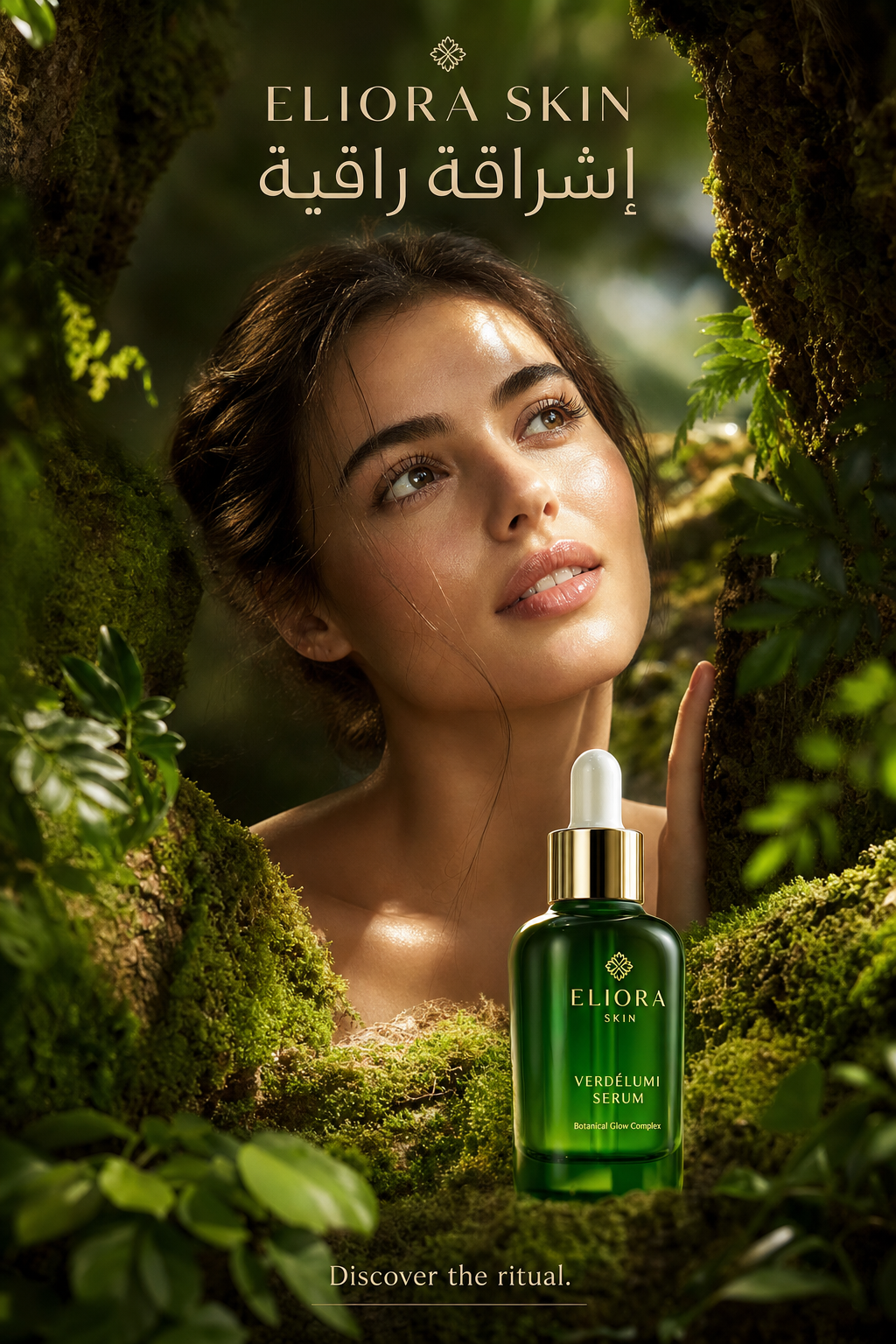
Elora
Create a hyper-realistic premium skincare advertising poster inspired by the uploaded reference image, but redesign it as a fully original c
View in gallery →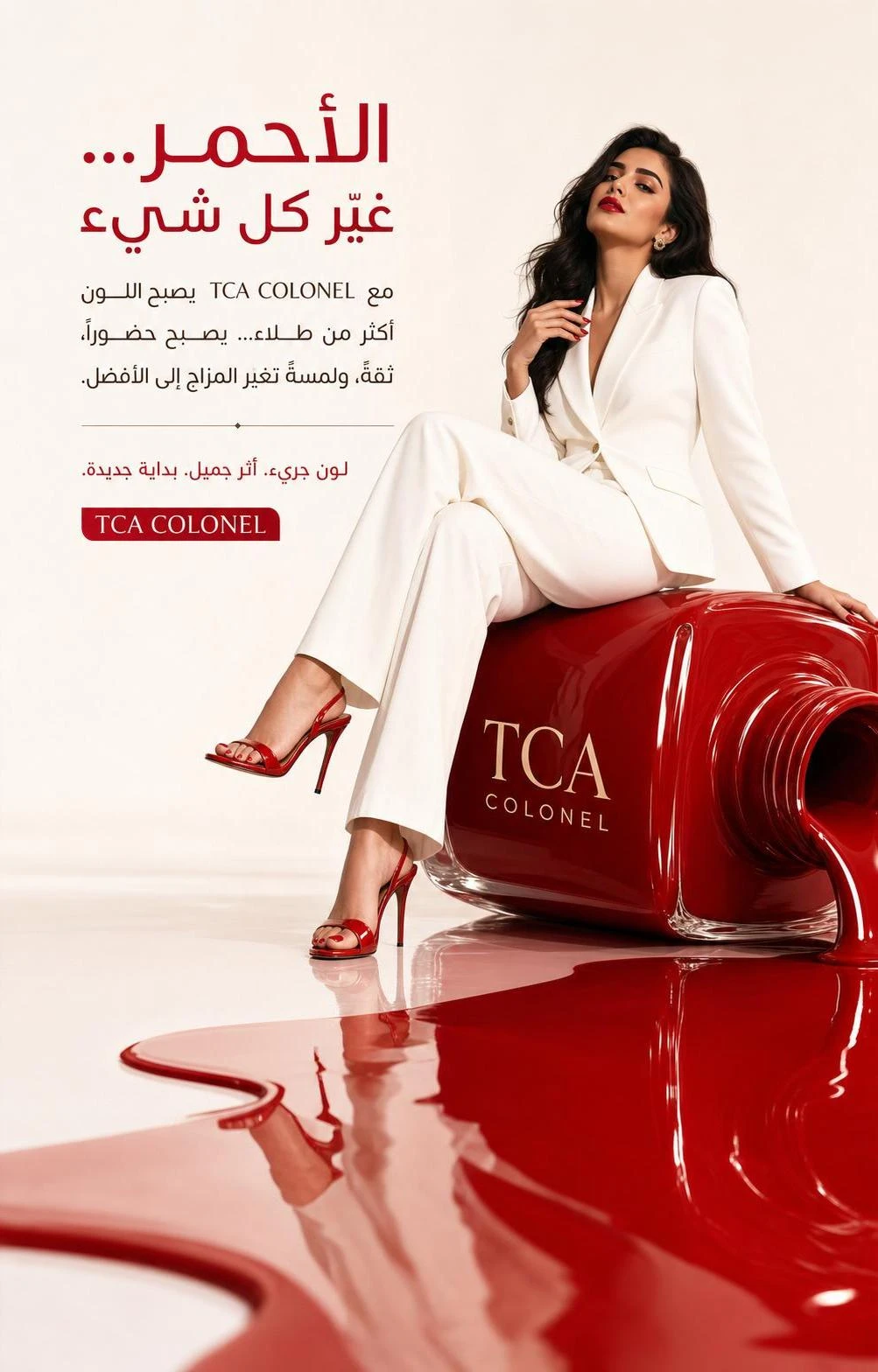
Tca
Create a hyper-realistic luxury beauty advertising poster inspired by the uploaded reference image, but redesign it as a fully original high
View in gallery →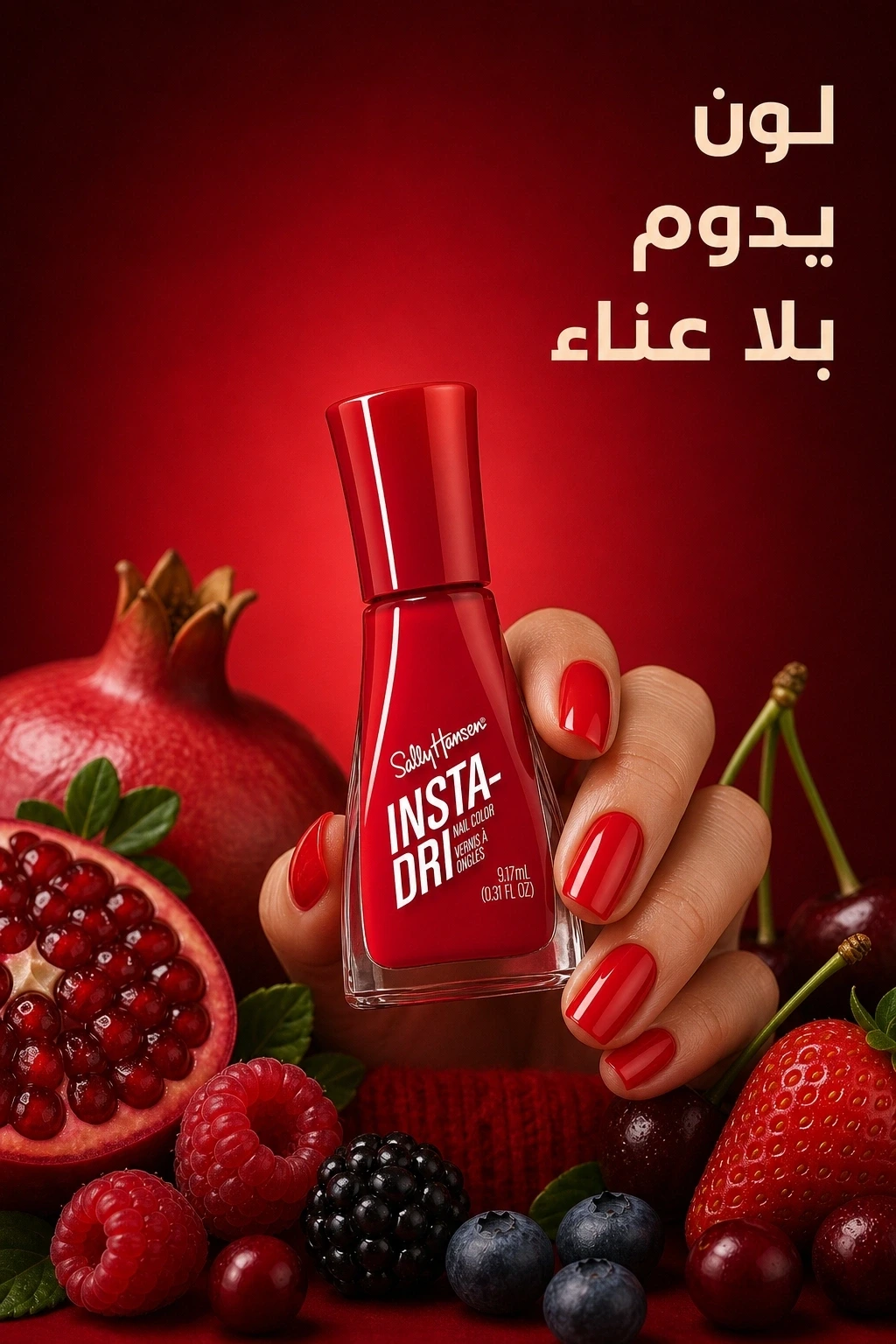
Sally Hansen
CREATE SIMILAR RENDER LOCK: The user clicked Create Similar. The final image must adapt the source design to the user product, not create a
View in gallery →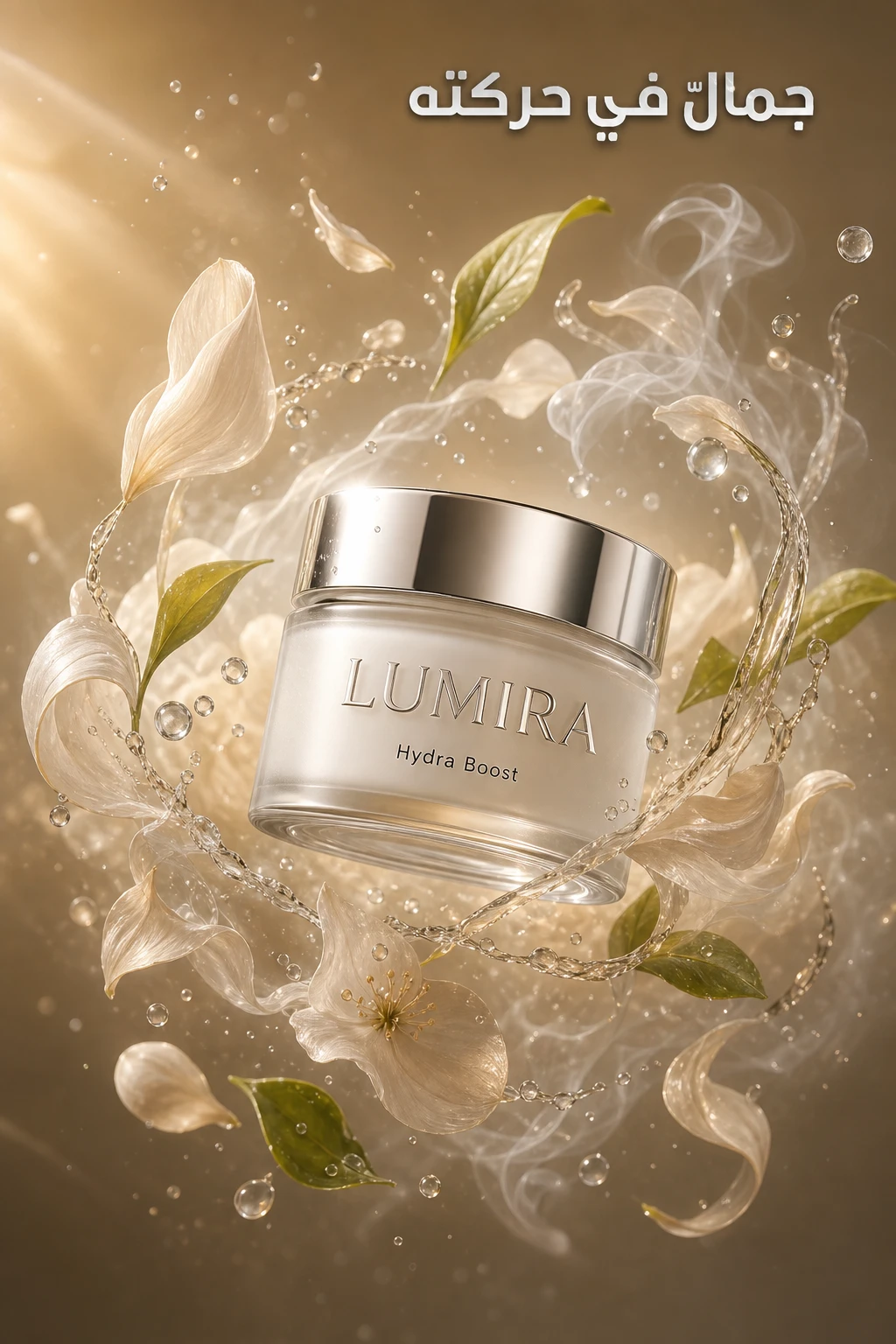
LUMIRA ESSENCE
Format: - Premium commercial beauty ad, square 1:1, social and digital-ready, single-key visual Concept: - Elemental Harmony: a surreal fus
View in gallery →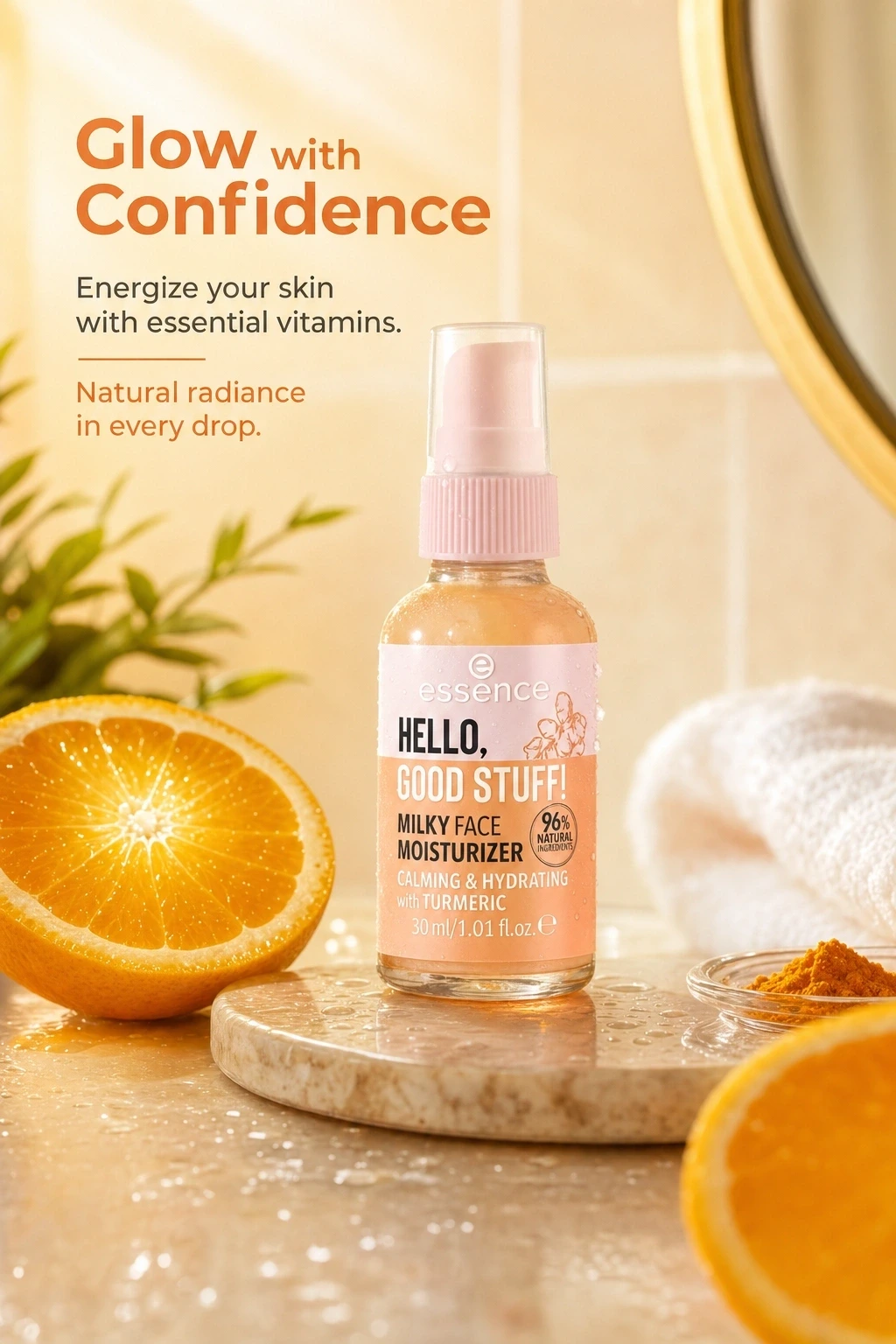
Milky Face Moisturizer
CREATE SIMILAR RENDER LOCK: The user clicked Create Similar. The final image must adapt the source design to the user product, not create a
View in gallery →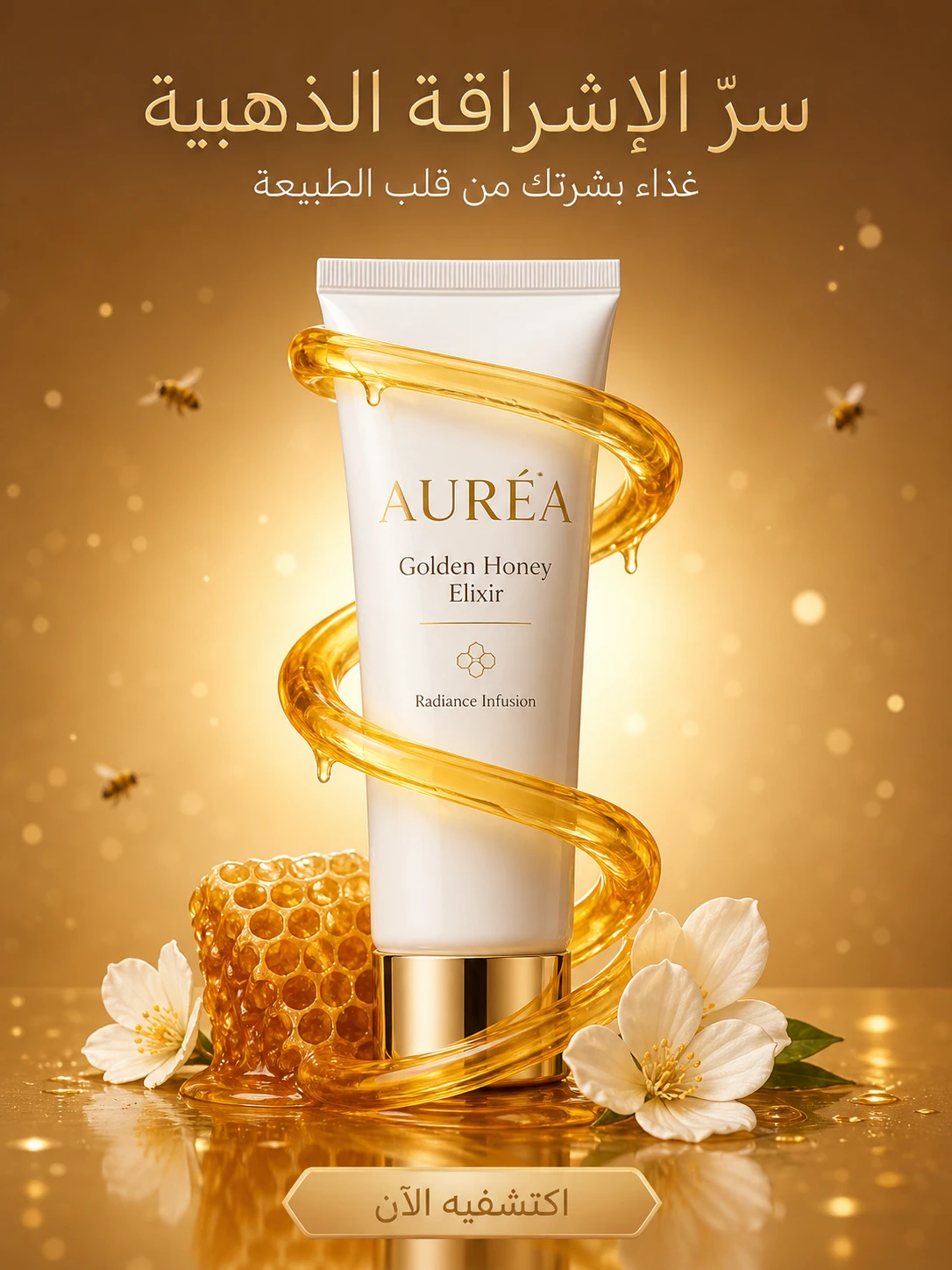
Aurea
Create a luxury 8K hyper-realistic skincare advertisement for a premium fictional brand called “AURÉA”.\r \r Product:\r A high-end white and
View in gallery →Try this in Memm
Make a campaign like this in seconds.
Generate Arabic and bilingual ad visuals from your product photos — no design experience needed.
Open in Memm